
My Templates: how to use it in CutStory
Save an edit and reuse it.
Where to find it: Home → My Templates
Step by step
1 Your edits, reusable
Save any finished project as a personal template and reuse its style in one tap.
2 Full template the whole project
Clip timings, transitions, stickers and music — everything is saved. To apply it, pick the same number of clips as in the original.
3 Content template overlay on anything
Only the overlay layer is saved — stickers, music, subtitles and background. Apply it to any photos or videos.
4 Create in seconds right from the editor
Edit a video, open the export panel and tap “Save as template”. It will appear in My Templates.
5 Apply anytime template → media → done
Open My Templates, pick a template, choose your media — the editor opens with everything applied.
Tips
- A full template needs the same number of clips as the original; a content template works with any media.
Related guides
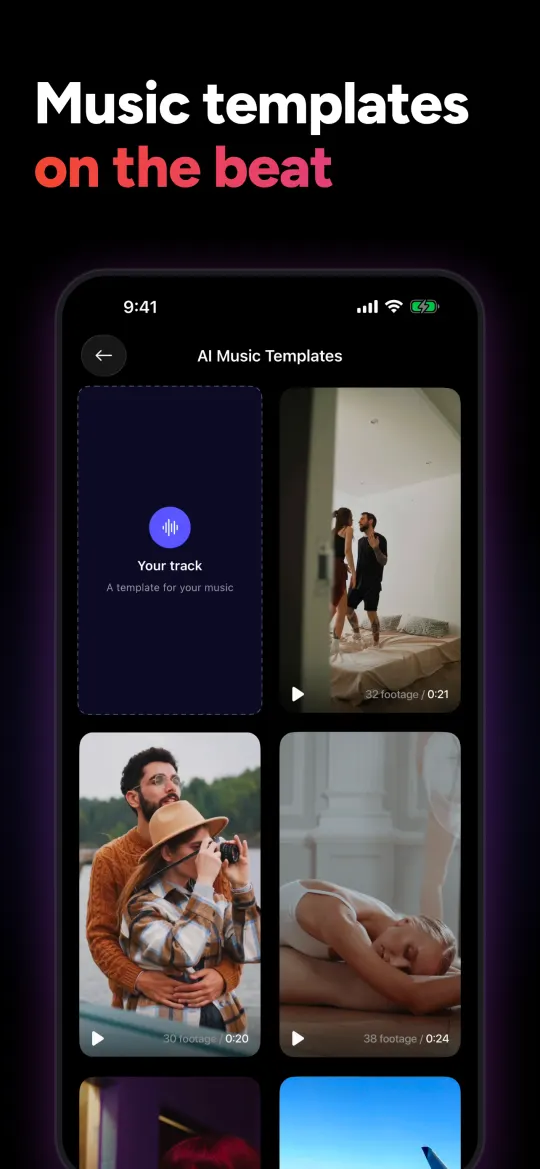
Basic TemplatesA video in a couple of tapsAI Music TemplatesYour media in a ready-made music editYour trackCut to the beat of your own track
Checked on CutStory 8.8.1, 2026-11-24. Still stuck? Write to us in Telegram or at support@highglossy.com.