
Your track: how to use it in CutStory
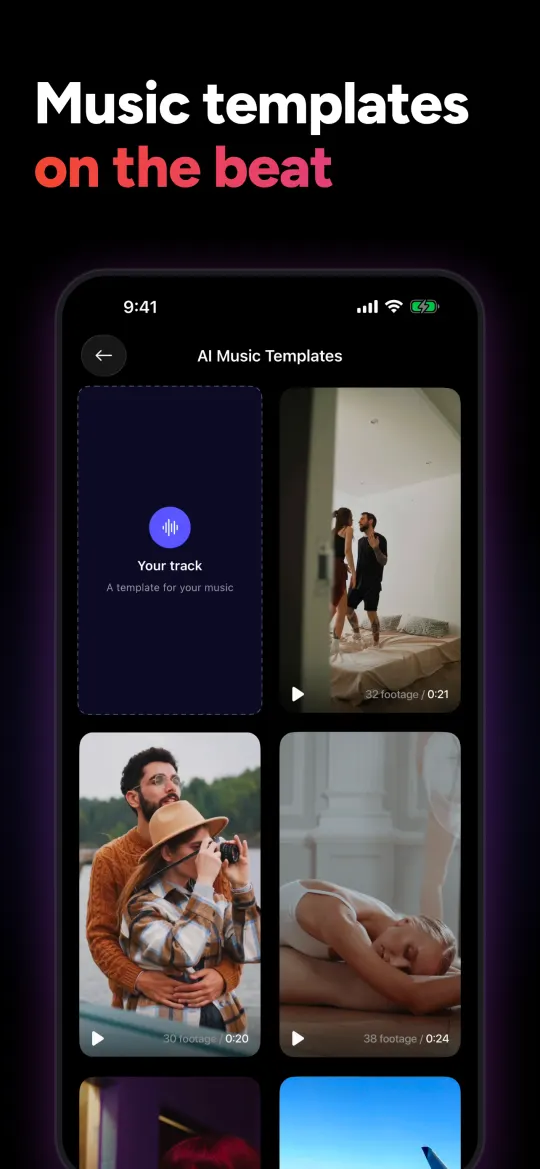
Cut to the beat of your own track.
Where to find it: Templates tab → Your track
Step by step
1 Any track — a ready template
Load a song and we'll find its accents and cut on the beat. All that's left is your photos and videos.
2 Music — from anywhere
A catalog with charts, a file from Files, your own music on the device, or the audio from a clip in your gallery.
3 Pick the right piece
Fifteen seconds out of a three-minute song. “Find the hook” jumps to the busiest part, and the segment loops so you can hear where it starts and ends.
4 Rhythm — one knob
More frames means faster cuts. The aspect ratio is chosen right here, and the preview flashes on every cut in time with the track.
5 Add your media — we'll do the rest
We'll ask for exactly as many photos and videos as there are frames in the template. Each one lands on its own beat, and then it's the usual editor.
Tips
- Find the hook jumps to the busiest part of the song — a good start for a 15-second video.
Related guides
Checked on CutStory 8.8.1, 2026-11-24. Still stuck? Write to us in Telegram or at support@highglossy.com.