
Slideshow: how to use it in CutStory
A video from photos: order, timing, transitions.
Where to find it: Home → Slideshow
Step by step
1 A slideshow from photos in a couple of minutes
Pick your photos and CutStory turns them into a video with transitions. Then it's the usual editor: music, text, stickers.
2 Tap Slideshow and mark the photos
The order you pick is the order in the video. Later you can rearrange the frames on the timeline, replace them or delete them.
3 Frame duration each its own
Tap a photo → Duration. Set the time for one frame or for all of them at once — the video length updates by itself.
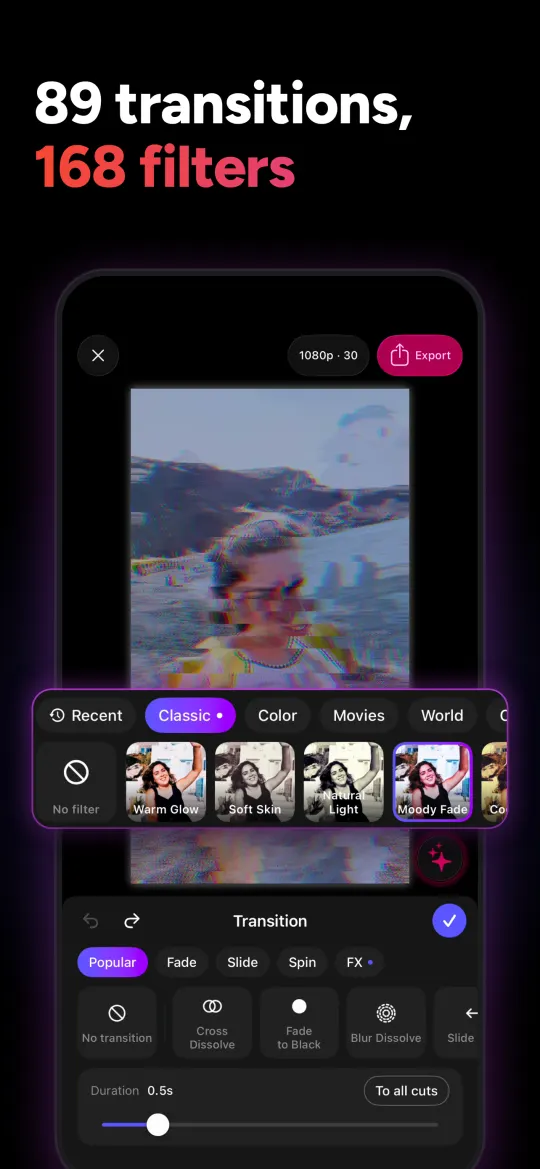
4 Transitions and music just like in a video
Between frames — transitions from the catalog; on top — music, text and stickers. A slideshow is the same project as a video.
5 Save and share like any video
Save → pick a network → the video lands in the Camera Roll. The project stays in Projects, so you can polish it later.
Tips
- Tap a photo → Duration to set the time for one frame or for all of them.
Related guides
Checked on CutStory 8.8.1, 2026-11-24. Still stuck? Write to us in Telegram or at support@highglossy.com.