
Cut at pauses: no part ends mid-word
For talking videos: the cut between two parts moves to the nearest pause in speech.
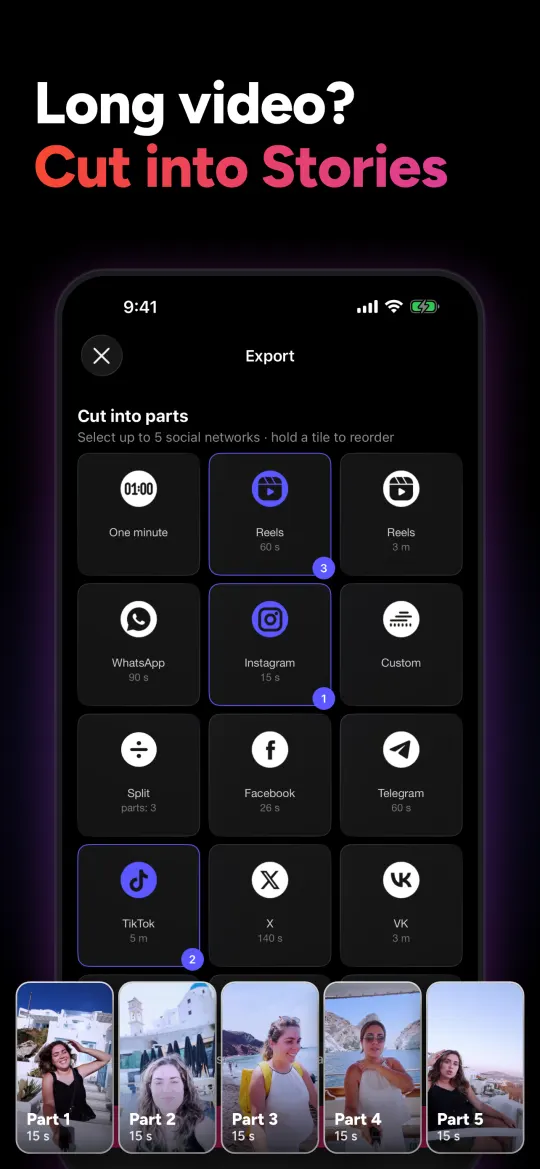
Where to find it: Editor → Save → «At pauses»; also in Quick Cut
Step by step
1 Open the save screen
Tap Save in the editor, or use Quick Cut on the Home screen.
2 Choose a network or length
Any preset or your own length works.
3 Turn on «At pauses»
Each cut lands in a pause between phrases near its spot, so a phrase isn’t cut off mid-word.
4 Check the result
A cut moves by at most a quarter of a part and no more than 5 s, so parts come out slightly uneven. If there are many parts or the video splits almost exactly into them, you get a few more parts so the cuts have room to move. Pauses are found by loudness: with loud background music there may be none.
Tips
- Background music too loud? Lower it or record the voice separately — pauses are found by loudness.
Related guides
Export & cuttingSave a video as ready-made storiesQuick CutSplit a long video into clips in secondsRemove pauses from speechLong silences make a talking video feel slow. CutStory finds them by loudness and cuts…Equal parts: no short leftover at the endNormally the last part is whatever is left over. With Equal parts all parts come out the…
Checked on CutStory 8.8.1, 2026-11-24. Still stuck? Write to us in Telegram or at support@highglossy.com.