
Send a video to TikTok as a draft
Finish the video in CutStory and send it to TikTok without posting it yet.
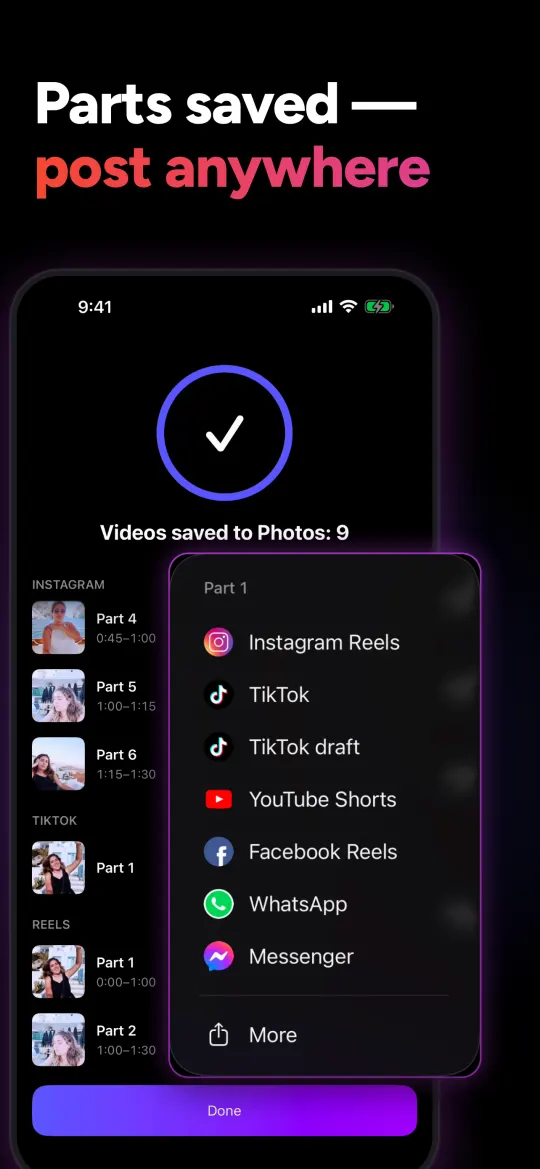
Where to find it: Editor → Save → «TikTok draft»
Step by step
1 Finish the edit
Add subtitles, music and text in the editor.
2 Save and choose «TikTok draft»
CutStory sends the video to TikTok.
3 Open TikTok
«The draft is in your TikTok inbox — open the notification to post it»
Related guides
Export & cuttingSave a video as ready-made storiesExport quality: resolution, frame rate, HDRCutStory saves video in 720p, 1080p or 4K, at 24, 30 or 60 frames per second, in SDR or…
Checked on CutStory 8.8.1, 2026-11-24. Still stuck? Write to us in Telegram or at support@highglossy.com.